Better off with a NAS for jellyfin anyway so you don’t suddenly lose jellyfin for a moment when restarting your PC or start stuttering in games when someone’s watching something and it starts transcoding
Not that I follow my own advice, I keep my PC running 24/7
Ah yeah, IMO neither consoles nor PCs are all that great for smartifying your TV in this day and age. There are cheap Android TV sticks and boxes you can use instead. Less power consumption than running a whole ass console or PC just to watch a movie, convenient remote, etc. Better app availability than consoles, simply more convenient to use on the big screen than a PC.
That’s what I’m doing, even though my PC is close enough to the TV to run a ~5 meter HDMI cable if I wanted to. Hell, I could play without jellyfin if I did, since I don’t have a separate server currently, but I still find my Android TV box more convenient.
As an upside, the Android TV box gets 4K+HDR streaming when I do use a streaming service (I have a deal where I share my Apple TV+ with a friend and get their Disney+ in return). My PC doesn’t do that because streaming services hate Linux users and limit Linux users to 1080p or lower.
Back when I used plex, I used to just use the TV app, but there isn’t one for Jellyfin on Samsung, so I just don’t let the TV itself connect to the internet anymore. Never should have in the first place, but it was pretty convenient till I needed Jellyfin


Better off with a NAS for jellyfin anyway so you don’t suddenly lose jellyfin for a moment when restarting your PC or start stuttering in games when someone’s watching something and it starts transcoding
Not that I follow my own advice, I keep my PC running 24/7
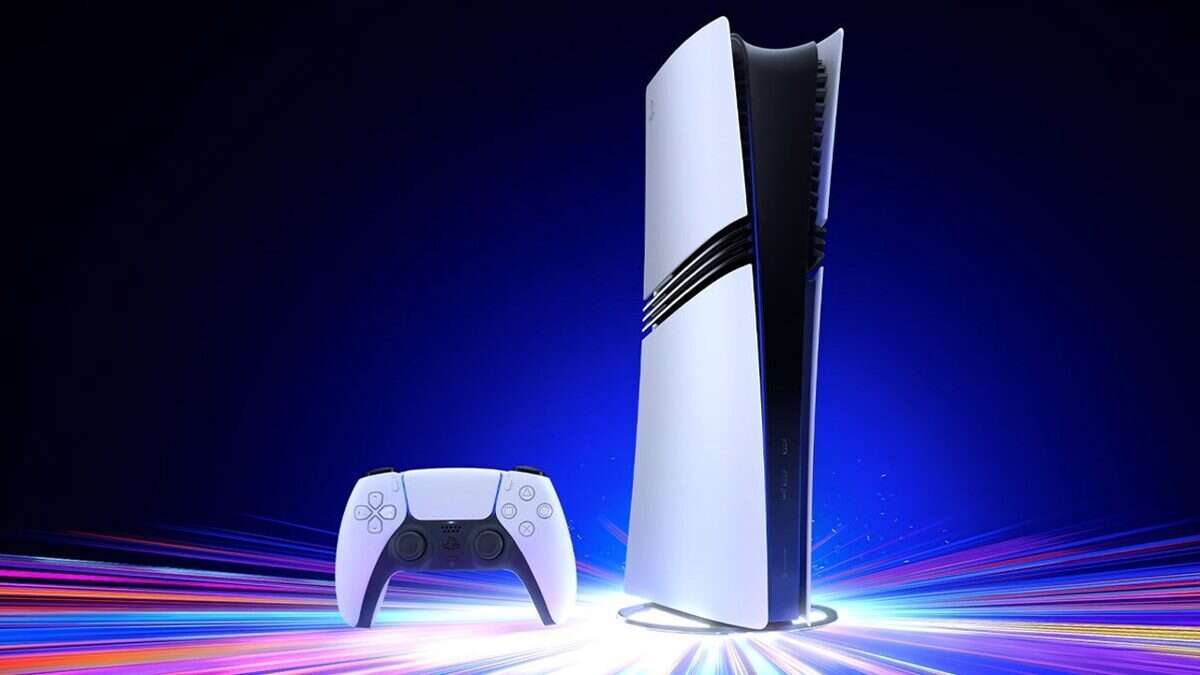
Don’t want to store on the PS5, just want to stream what’s on my server already.
Ah yeah, IMO neither consoles nor PCs are all that great for smartifying your TV in this day and age. There are cheap Android TV sticks and boxes you can use instead. Less power consumption than running a whole ass console or PC just to watch a movie, convenient remote, etc. Better app availability than consoles, simply more convenient to use on the big screen than a PC.
That’s what I’m doing, even though my PC is close enough to the TV to run a ~5 meter HDMI cable if I wanted to. Hell, I could play without jellyfin if I did, since I don’t have a separate server currently, but I still find my Android TV box more convenient.
As an upside, the Android TV box gets 4K+HDR streaming when I do use a streaming service (I have a deal where I share my Apple TV+ with a friend and get their Disney+ in return). My PC doesn’t do that because streaming services hate Linux users and limit Linux users to 1080p or lower.
Back when I used plex, I used to just use the TV app, but there isn’t one for Jellyfin on Samsung, so I just don’t let the TV itself connect to the internet anymore. Never should have in the first place, but it was pretty convenient till I needed Jellyfin