

AwesomeWM:
- 3 tags (term, web and files)
- A different layout for every tag (CornerSE, Maximize and Fair, in that order)
Super+/for a hotkey listSuper+Pfor rofi-show runSuper+Cfor a scratchpad withprofanitySuper+Vfor a scratchpad withcmusSuper+Xfor a scratchpad with notesSuper+~for a quake term- Most of the default Awesome keybindings
In the files tag I run terms and Thunar, in the web tag qutebrowser and everything else in the term tag.


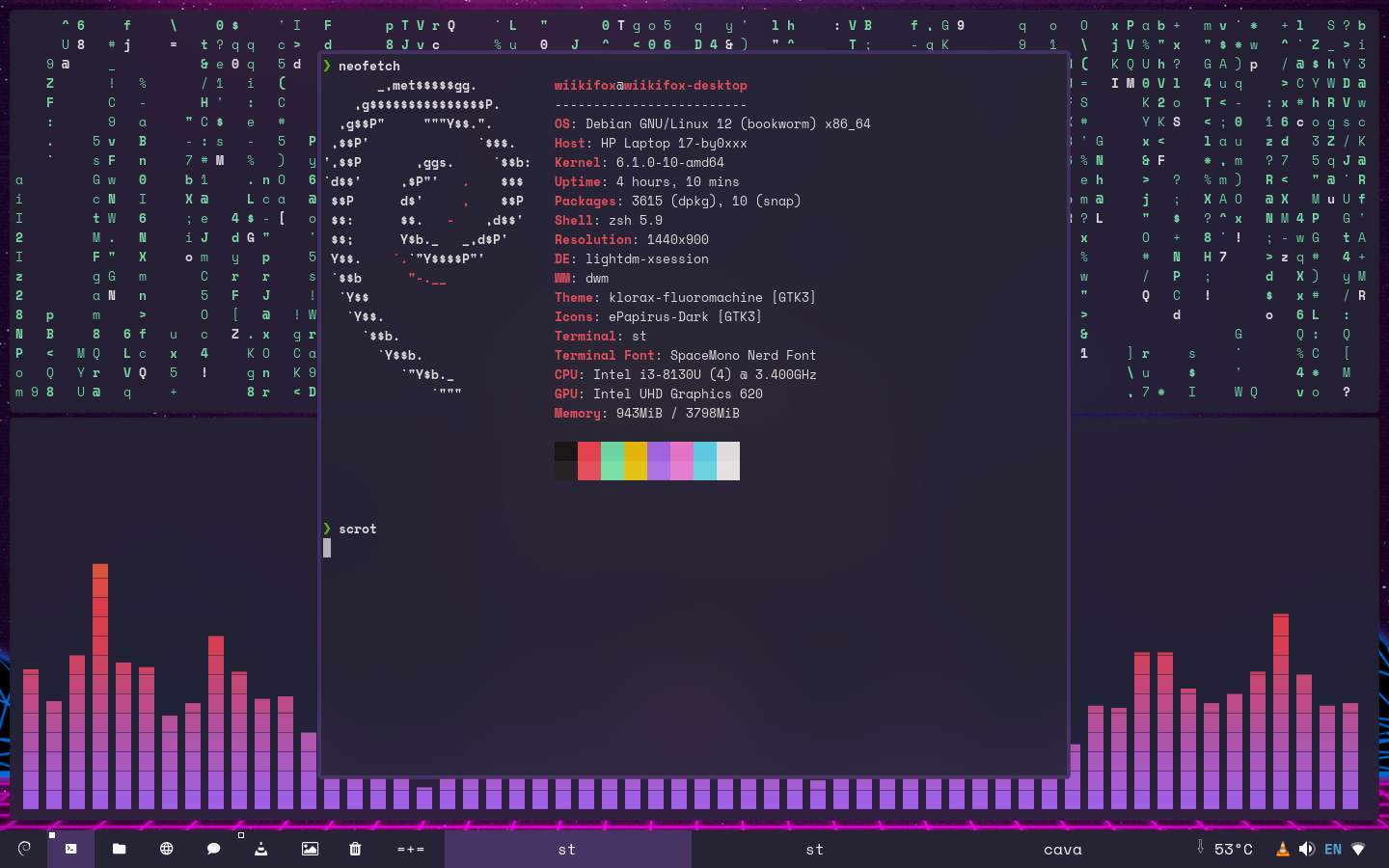
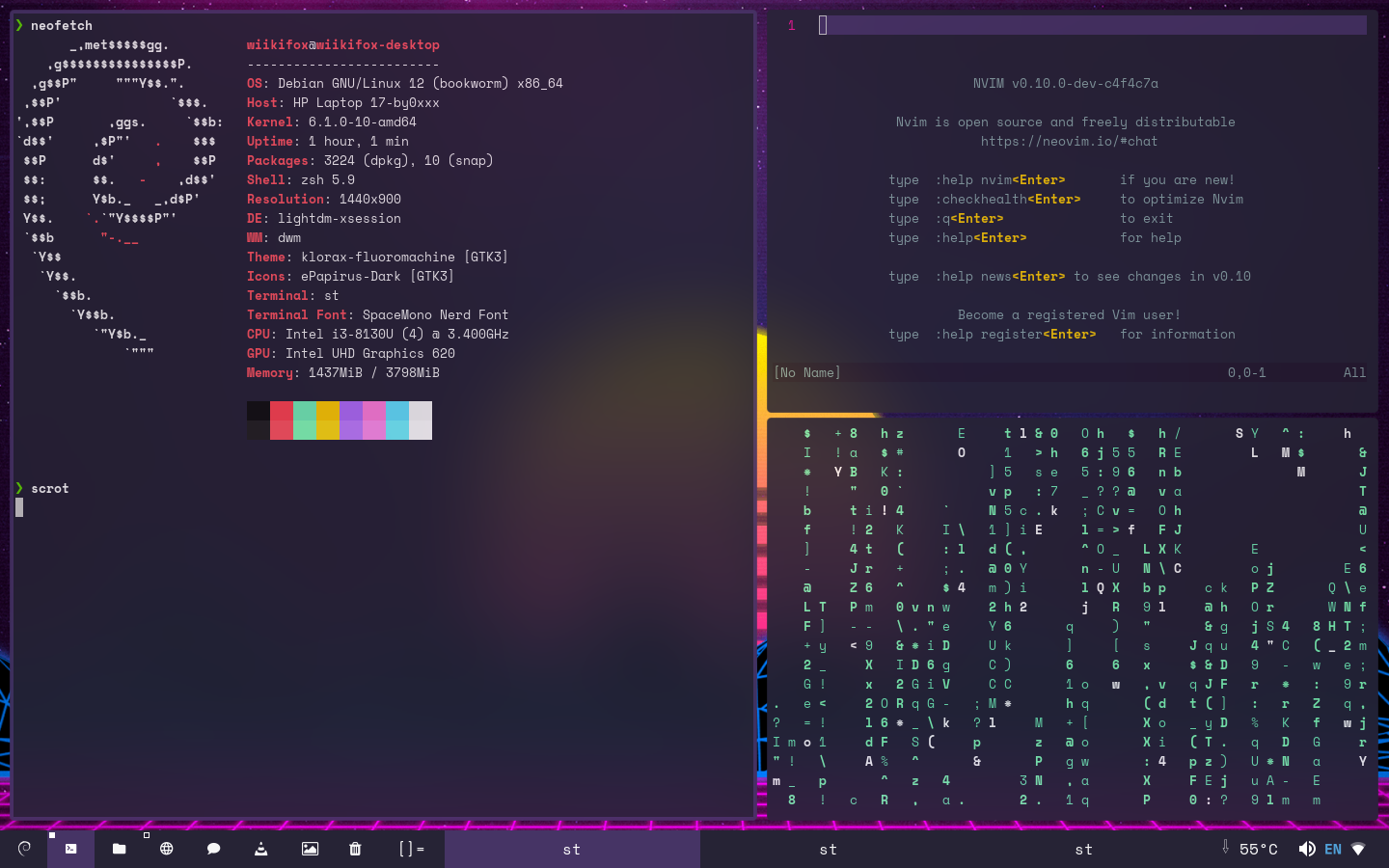
st. It just works. I’m always opening and closing terminals, and 90% of the stuff I use have’s a TUI. st launches before I can even notice, under 4GB of RAM, and the entire install is less than a MiB.