Yeah, snaps won’t be able to access the “external” codecs (outside their jail). So either install the official firefox package from the firefox site, or chrome.
Eugenia
Ex-technologist, now an artist. My art: http://www.eugenialoli.com/
- 1 Post
- 396 Comments
You need to install the codecs, there’s a way to do it on ubuntu, just google search it (and there’s an option during installation to do it too). The N150 cpu and its integrated gpu is not a problem for your codec problem, it’s a matter of installing the right software.
I use Debian-Testing. It’s very stable, more so than most other distros IMHO (despite being -testing), and it has the latest packages.
Eugenia@lemmy.mlto
Linux@lemmy.ml•Please support this! As graphic designers we should be able to use a open source OS.English
651·8 months agoThat is a waste of time. I emailed the company a few months ago and they replied that they won’t port to Linux. Not that they don’t have plans to currently do it, but that they won’t. Clear as day.
Eugenia@lemmy.mlto
Linux@lemmy.ml•I'm committing to Linux, but it's so unstable. Any suggestions?English
21·8 months agoI use Linux sine 1999 and I prefer Mint. It works just fine for everyday users. The thing wiht Mint is that it has setting panels for most things, and it makes sense as a design. It might not have the latest support, but what it does, it does well. The same can not be said about other distros in conjunction to care-free users.
Eugenia@lemmy.mlto
Linux@lemmy.ml•I'm committing to Linux, but it's so unstable. Any suggestions?English
206·8 months agoYou need to start with Linux mint. The errors you are mentioning are common in ubuntu, crashes happen and popup all the time on my ubuntu installations too. But never on Mint. Mint is based on the stable version of ubuntu, that it has long term support and it’s regularly getting updates to make it even more stable and secure. So please start with Mint, or Debian 12 (although Mint is better for new users).
Any BT adapter I’ve tried has worked with Linux, to be honest. The only problematic ones are some old ones from Broadcomm for the Mac.
Yes, LibreOffice will create good documents. But if you prefer to read older documents in MS format, you might also want to check out OnlyOffice because it is considered more compatible with MS formats. Install both, see which one works best for you.
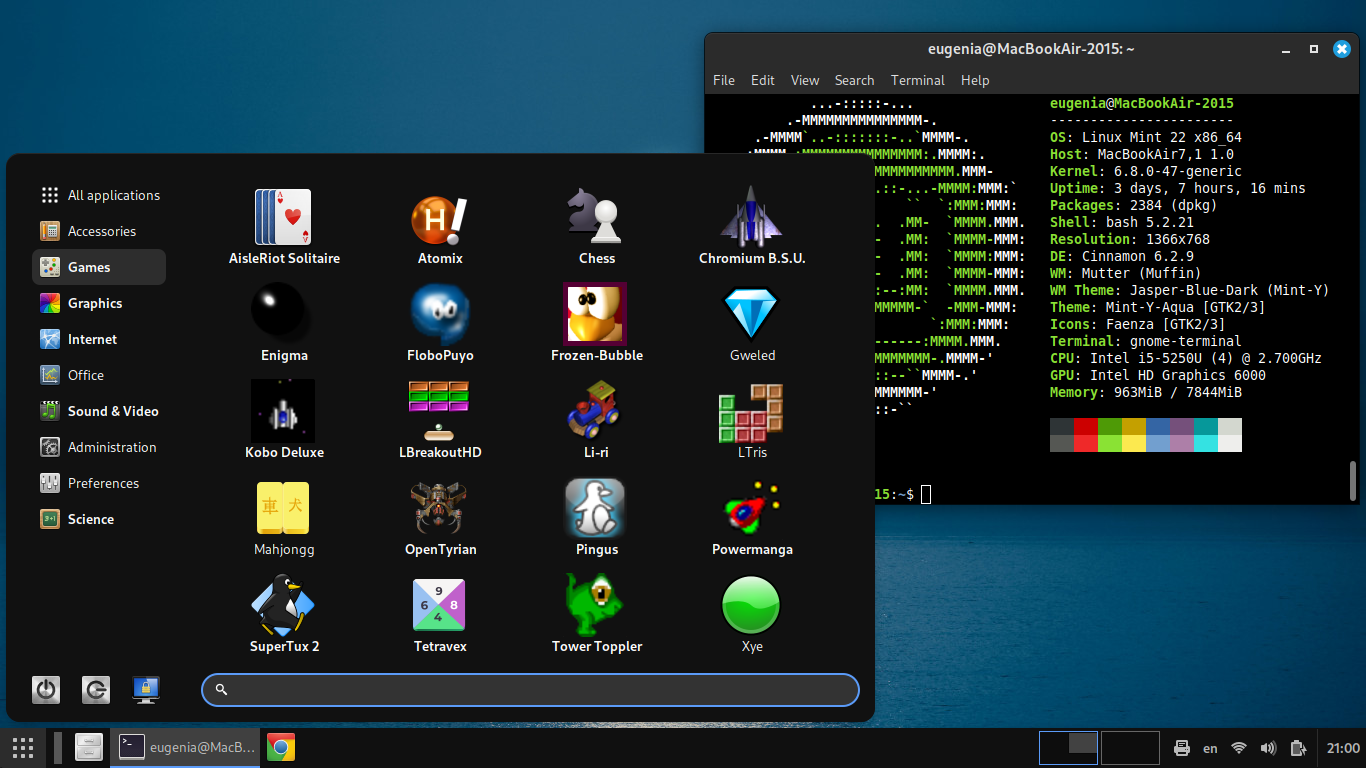
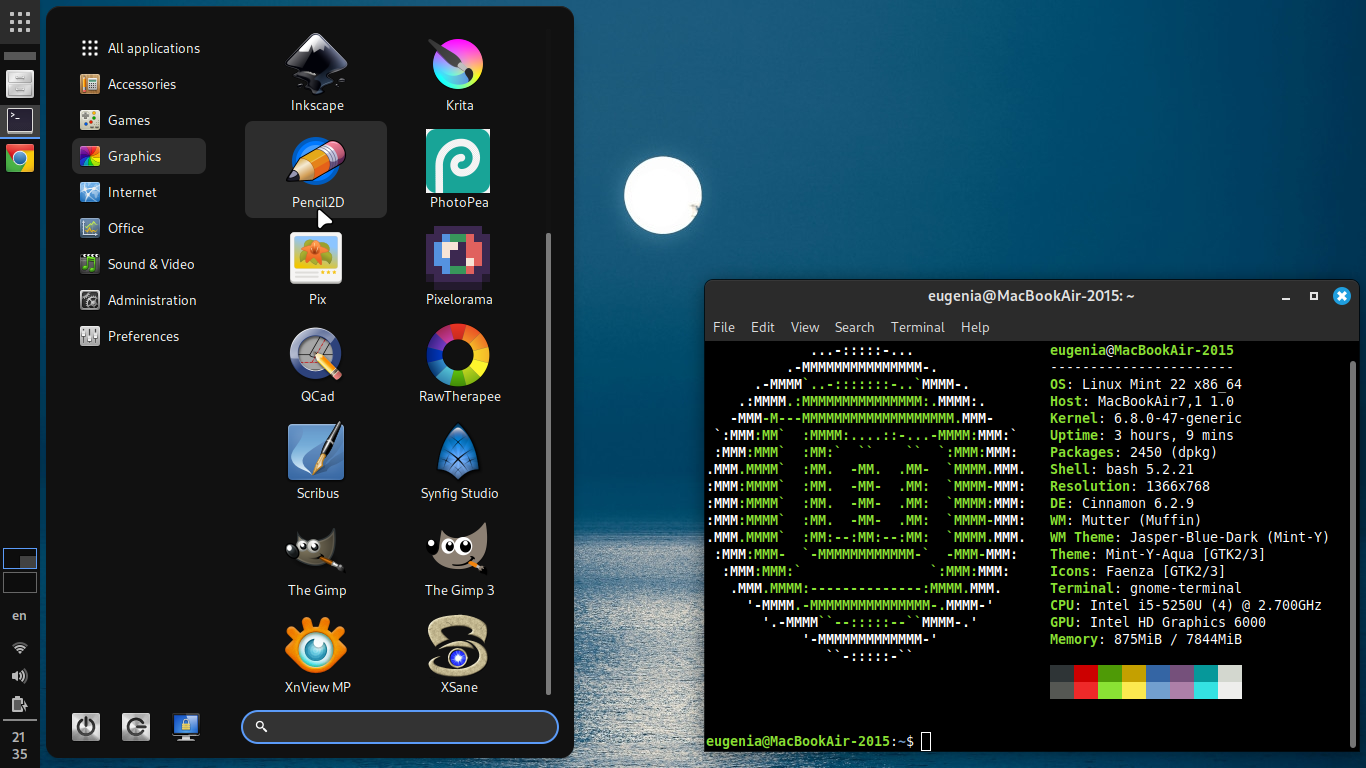
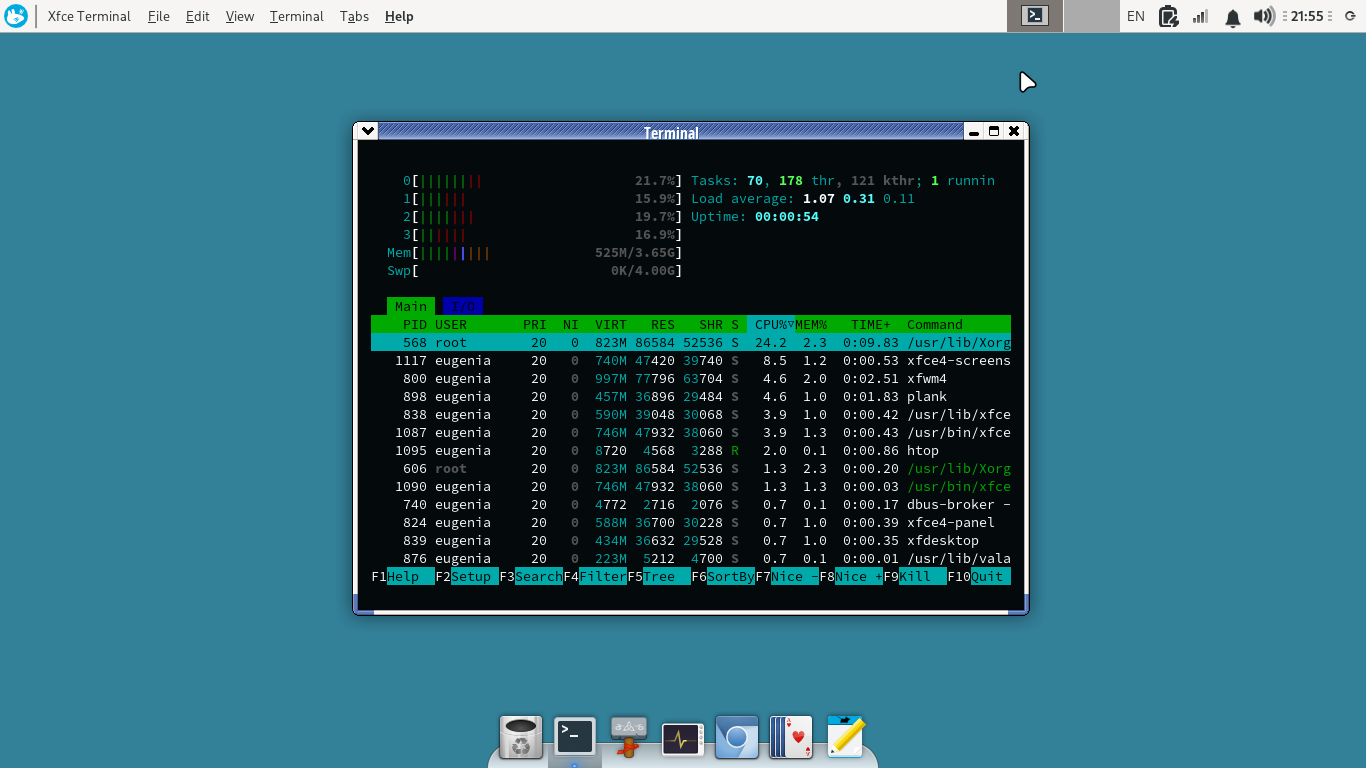
Elementary is good looking and OK as an OS (especially after the updates to be more stable), but consider also a modified Linux Mint. It’s even more stable with more GUI settings, and it’s the one considered to be the best Linux to start with (although Elementary is ok too). By using the Cinnamenu alternative menu for Cinnamon, you can make it look simpler and nicer: https://files.mastodon.social/media_attachments/files/113/391/944/352/704/129/original/7e2ced150dbc8932.png or https://files.mastodon.social/media_attachments/files/113/449/026/620/365/505/original/28489c56e1e24902.png and you can also setup the XFce version of Linux Mint (they have 3 flavors), to look like MacOS too: https://files.mastodon.social/media_attachments/files/114/009/681/581/279/504/original/1a7e0d9f6abf8779.png
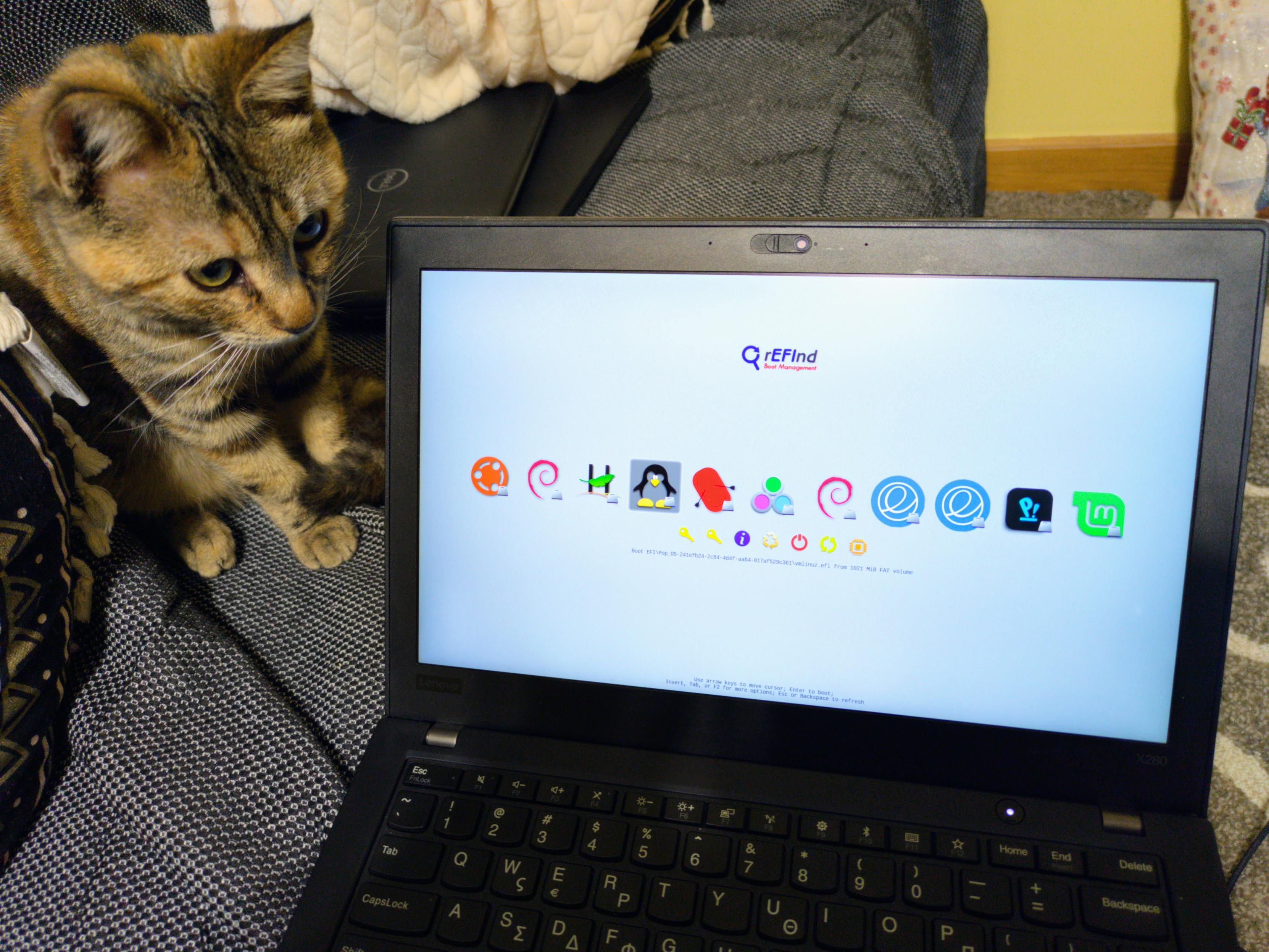
I got an X280 with 8 GB of RAM a few months ago, works great with Linux. Paid just $175. It even works with Haiku OS! Pic: https://files.mastodon.social/media_attachments/files/113/731/895/755/005/386/original/1b09c5a0d636d9a5.jpg
From arch’s site:
Tip: make sure btrfs_x64.efi driver is installed, it can be installed manually by copying from /usr/share/refind/drivers_x64/btrfs_x64.efi to esp/EFI/refind/drivers_x64/btrfs_x64.efi, or you can install all drivers with the refind-install /dev/sdx --alldrivers option.
Warning: btrfs_x64.efi does not support raid1c3/4.
If you prefer non-kde apps, then consider Vala. It’s a young-ish language and it’s well suited for Gtk apps.
Eugenia@lemmy.mlto
Linux@lemmy.ml•Tuxedo OS (Ubuntu-based) with KDE/Wayland - waking from Sleep freezes the computer. Help?English
2·8 months agoYou are not alone. There are many laptops that don’t work with sleep on Linux. I used to have one of them, a Dell 3150. I simply disabled sleep in bios, and be done with it. I now buy laptops that I know they work 100% with Linux. It’s impossible for Linux to support every hardware in the world, when these are specifically are made for Windows.
Eugenia@lemmy.mlto
Linux@lemmy.ml•Tuxedo OS (Ubuntu-based) with KDE/Wayland - waking from Sleep freezes the computer. Help?English
41·8 months agoFirst, update your computer’s BIOS/firmware. If that doesn’t fix it, then try Arch, or Fedora beta. If the problem exists there too, then it’s a kernel issue in general, and it might get fixed in the future. OR, if the computer BIOS is buggy, Linus has been clear that they won’t do workarounds for buggy firmwares. In which case, you’d need a new computer that’s actually compatible with Linux.
Most of the computers out there have buggy firmwares that go around for Windows, but Linus has been adamant that he wouldn’t do workarounds because they bloat the kernel.
Eugenia@lemmy.mlto
Linux@lemmy.ml•Which Distribution and Desktop Environment should I use?English
5·8 months agoJust use Linux Mint, cinnamon edition, and then edit the startup app list to not load some of the stuff that take too much ram, like the reports, nvidia, etc. Also remove fwupd if you updated your laptop’s firmware already via windows. I personally also stop bt (frees overall 30 mb of ram). Make sure during installation that you create a 4 GB swap partition too. At the end, I have a system that starts up at 750 MB of RAM (htop reading, 980 MB with gnome-system-monitor). As long as I use only 2-3 Chrome tabs, I’m ok to not swap. Firefox uses more ram i’m afraid, especially with youtube.
I have 4 laptops here run linux mint with 4 gb of ram. They run fine, my husband even does development in one of these.
The n3060 cpu is slow at 660 PassMark points, just enough for Mint to function. XFce is a tad faster indeed, and uses about 60 MB less RAM, however, it’s missing some desktop options that I find useful (e.g. disabling tap and drag).
Eugenia@lemmy.mlto
Linux@lemmy.ml•EU OS: A Fedora-based distro 'for the public sector'English
12·9 months agoAs I said, I used it last year. I didn’t like it. I WANT gui tools, like yast, but not ones that were designed in the '90s. Linux Mint has the best user experience.
Eugenia@lemmy.mlto
Linux@lemmy.ml•EU OS: A Fedora-based distro 'for the public sector'English
11·9 months agoYast is a must to configure it without headaches. It’s an eyesore. I also don’t like rpm in general. I tried OpenSuse last year, and I didn’t like the experience of it. Then again, I don’t like Fedora either. And I find Arch unstable. For me, Debian is where it’s at.
Eugenia@lemmy.mlto
Linux@lemmy.ml•EU OS: A Fedora-based distro 'for the public sector'English
13·9 months agoΤοο bad I don’t like it as a distro… I find it ugly, e.g. the ancient yast gui it has. I’d prefer Debian myself, or a fork of it (if politically necessary).
Eugenia@lemmy.mlto
Linux@lemmy.ml•EU OS: A Fedora-based distro 'for the public sector'English
7·9 months agoFedora is too much into RedHat, and that’s an American company, it depends on it. You’ll have to go at least Arch, or Debian (which are more community-driven), or Ubuntu or Mint (that are European). But I wouldn’t use anything Redhat-produced for an EU OS.
Yes of course. It doesn’t do what I need. Gimp is better for what I need


Have you tried OnlyOffice? It has better compatibility with MS formats than LibreOffice.