The icons are all weird looking, the clock app groups are different and now it turns off all alarms in the group which I don’t want, the material accent color changed and Theres no way for me to change it back, the lock screen fades in weird, the lock screen does a tint based on the image but it looks like baby poo cause my lock screen is me by a cabinet with my cat so it tints it brown, the notifications have weird swipe animations, and my app names are white and they used to be black, so I can’t read them against my wallpaper
For the accent colours, have you tried pinching your home screen > Wallpaper and style > Colour Pallete? This was changed for me aswell, but was able to switch it back.
For the tint on the lockscreen, have you tried doing the same pinch > Wallpaper and style > Select the lock screen > Effect.
As for the other stuff, were you using Goodlock before? If so, you may just need to open Goodlock again and update the apps in there. Or you will most likely solve your other issues through Goodlock?


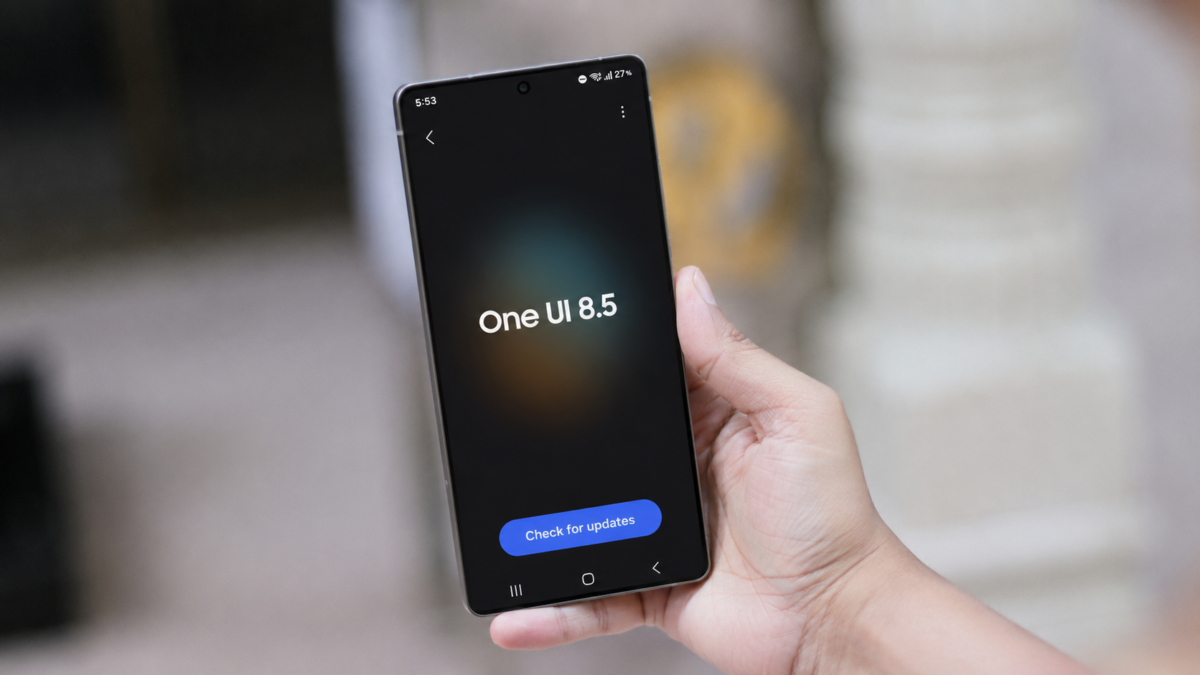
Its awful and I want to throw my phone out the window… And get a linux phone
I just did the 8.5 update on my S25. What about it do you not like?
The icons are all weird looking, the clock app groups are different and now it turns off all alarms in the group which I don’t want, the material accent color changed and Theres no way for me to change it back, the lock screen fades in weird, the lock screen does a tint based on the image but it looks like baby poo cause my lock screen is me by a cabinet with my cat so it tints it brown, the notifications have weird swipe animations, and my app names are white and they used to be black, so I can’t read them against my wallpaper
Out of curiosity which device is this?
For the accent colours, have you tried pinching your home screen > Wallpaper and style > Colour Pallete? This was changed for me aswell, but was able to switch it back.
For the tint on the lockscreen, have you tried doing the same pinch > Wallpaper and style > Select the lock screen > Effect.
As for the other stuff, were you using Goodlock before? If so, you may just need to open Goodlock again and update the apps in there. Or you will most likely solve your other issues through Goodlock?
Samsung Galaxy S25+
Color palette tints everything/all text so that doesn’t work for me, and the original color isnt there. Ive never changed that setting either
Pinching lock screen doesn’t give me any effect options, same with home
Never used goodlock